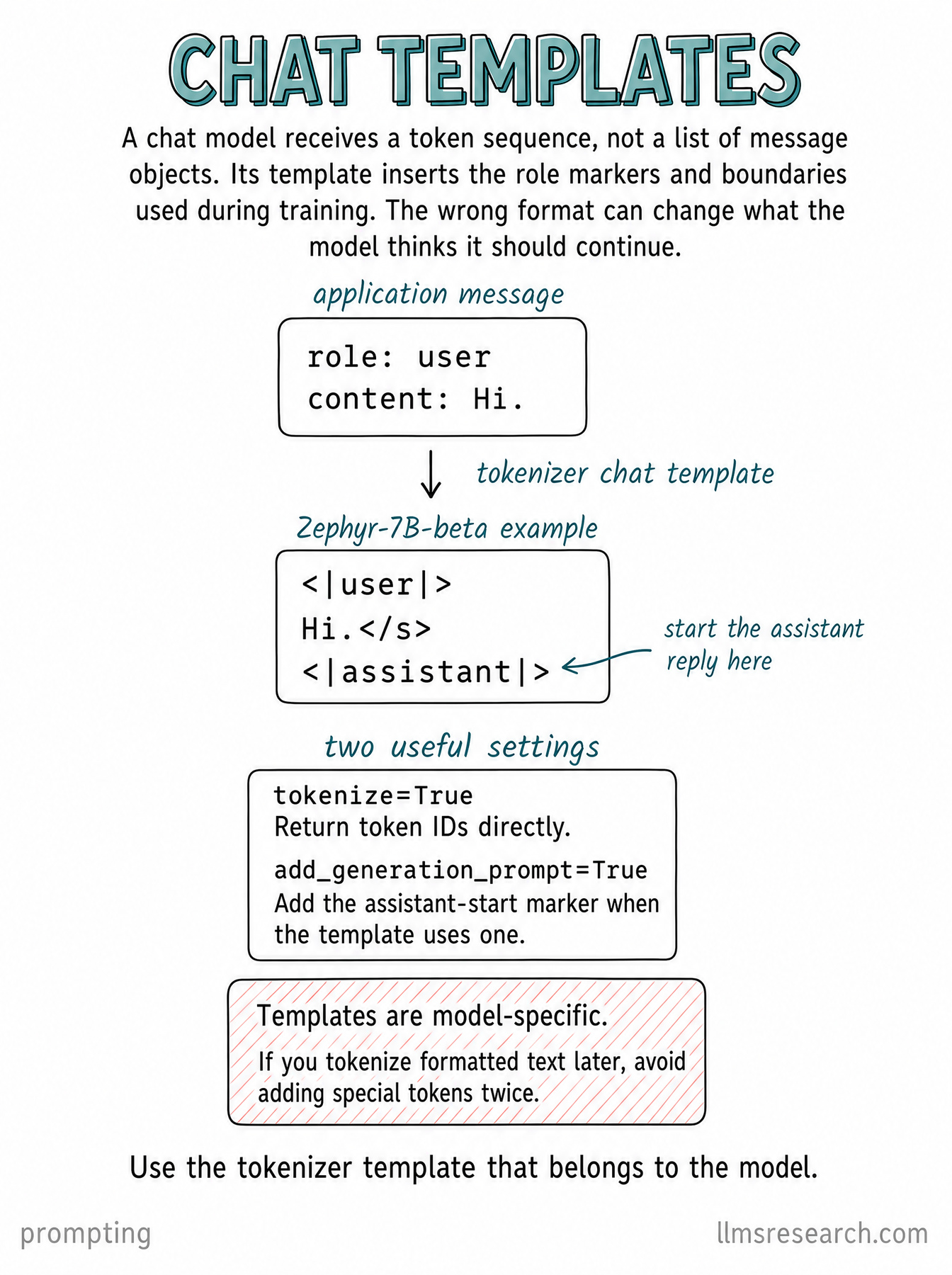
A chat template converts messages with roles such as user and assistant into the token sequence expected by a particular model. Those roles do not arrive at the neural network as application objects. The template encodes their boundaries and ordering.
The same message, serialized for one model
The card uses a Zephyr-style example: a user marker, the message Hi., an end-of-message token and an assistant marker. That final marker tells the model to begin the assistant’s response. Another model can use different markers for the same conversation.
With Hugging Face tokenizers, apply_chat_template can serialize and tokenize the conversation together. For a new reply, add_generation_prompt=True asks the template to append its assistant-start sequence when the model’s format supports one.
Avoid formatting the conversation twice
If a template has already inserted special tokens and you tokenize its text separately, adding another set of special tokens can produce the wrong sequence. Using the matching tokenizer’s template with tokenization enabled avoids that extra formatting step.
Inspect the serialized output when debugging role confusion or unexpected continuations. A template from a different model is not interchangeable merely because both models accept chat messages.